


Table of contents
There is no single fastest Joomla template: performance depends on the template version, page content, extensions, configuration and server. For a simple information website, the standard Cassiopeia template is a sensible starting point. If you need more design options, compare it with suitable templates built on Helix Ultimate, Astroid or other current solutions. This guide explains how to make that comparison useful for your website.
Why the old ranking no longer helps you choose
The original version of this article compared templates and frameworks for Joomla 3. They included Protostar, Helix 3, Warp 7 and other solutions from that period. Those results apply to specific old versions and test conditions.
You cannot carry those rankings over to Joomla 5 and Joomla 6. The CMS, PHP, browsers, templates and measurement tools have changed. The performance of an old Helix 3 release does not describe modern Helix Ultimate, and early Astroid results do not describe its current releases.
Support is a separate consideration. For example, the developer discontinued Warp 7 and did not release a Joomla 4 update for it. Even a good result in an old test does not make it a suitable choice for a new website running modern Joomla.
This edition does not introduce a new score-based ranking. Comparable speed measurements of the listed solutions have not been carried out. Instead, it offers current options and a method you can use to test your own project.
Which solutions should you consider?
First, shortlist templates that support your Joomla version and required extensions. Then compare performance. A framework supporting Joomla 6 does not automatically make every old template built on it compatible with that CMS version.
| Solution | What to consider |
|---|---|
| Cassiopeia | The standard template for Joomla 5 and Joomla 6. It provides a useful baseline for comparing ordinary articles and modules. Being the standard template does not itself prove a speed advantage. |
| Helix Ultimate | The current line supports Joomla 5 and Joomla 6 and provides layout and design controls. Check the specific template, system plugin version and enabled features. |
| Astroid | A modern framework supporting Joomla 5 and Joomla 6. It requires a compatible template. Evaluate the installed framework and template together, rather than the Astroid name alone. |
| YOOtheme Pro | Combines website design tools with a visual builder. Modern versions support Joomla 6. For a fair comparison, reproduce the same page, including images and interactive elements. |
| Gantry 5 with Hydrogen or Helium | Current releases support Joomla 6. Check both the framework and template versions. The selected layout determines which blocks and resources the page uses. |
| T4 Framework with a compatible template | The developer has released Joomla 6 updates. Check compatibility for the selected template separately, especially when updating an existing website. |
Support information was checked on 2 November 2026. Before installation, verify the requirements of the specific release, including its PHP requirements.
Do not assume every older product line has been abandoned simply because of its name. Helix 3 has compatibility updates for modern Joomla versions, although the developer recommends Helix Ultimate for new projects. Updating an existing website requires checking its template and overrides.
How to compare template speed fairly
A comparison should establish which option works better with the content you need. An empty page using one template and a demo homepage using another serve different purposes. Their scores cannot form an objective ranking.
Keep the conditions consistent
Create a separate Joomla test installation. Record the versions of the CMS, PHP, templates, frameworks and extensions. Use identical server, cache, compression and CDN settings.
Keep the following parameters consistent in every test:
- Page content, images and modules.
- Viewport dimensions and mobile or desktop mode.
- Network and CPU throttling.
- Browser and measurement tool versions.
- Cache state and the way the page is opened.
Test as an ordinary visitor, without an administrator login. Measure a cold load separately from a repeat visit with a populated cache.
Installing different Quickstart demo packages makes this comparison harder. Alongside the templates, they introduce different images, extensions and settings.
Use two scenarios
The first scenario is a baseline page: one Joomla article, identical text, minimal modules and a system font. It helps reveal what loads before you add a complex design.
The second scenario is a representative page for the planned website. Add real images, navigation, a form, required modules and other elements. This is more representative of what visitors will experience.
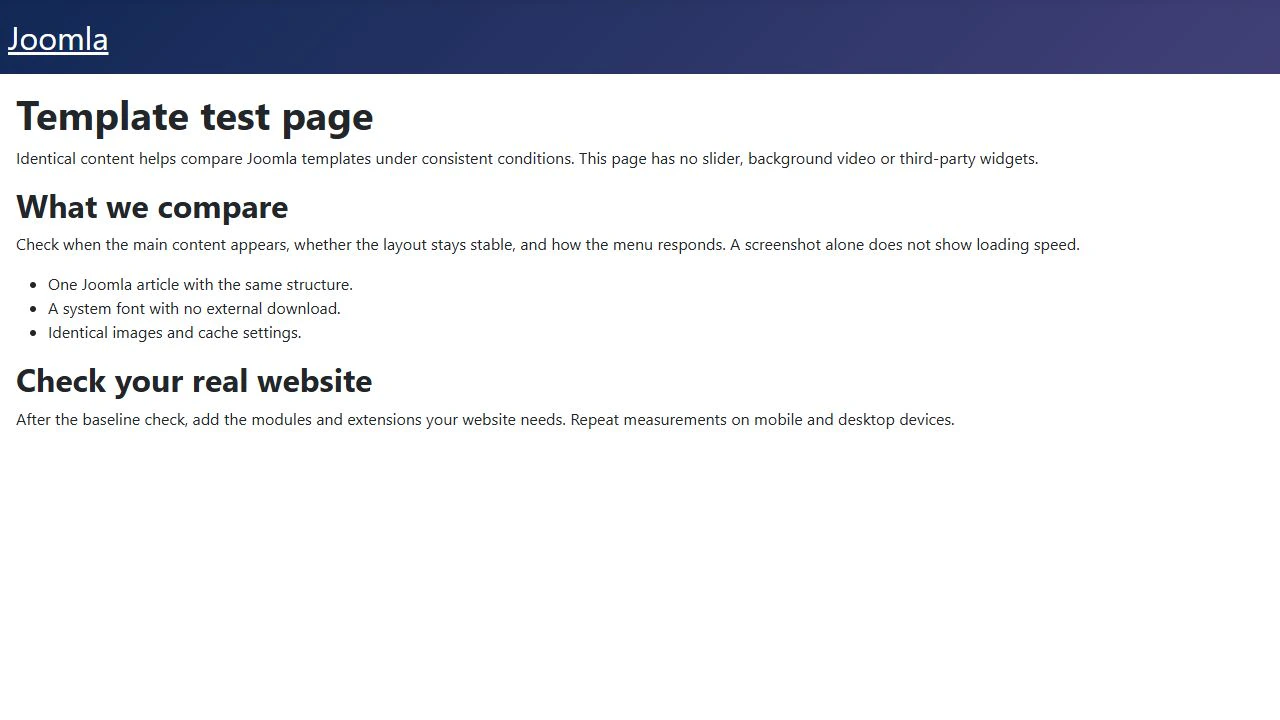
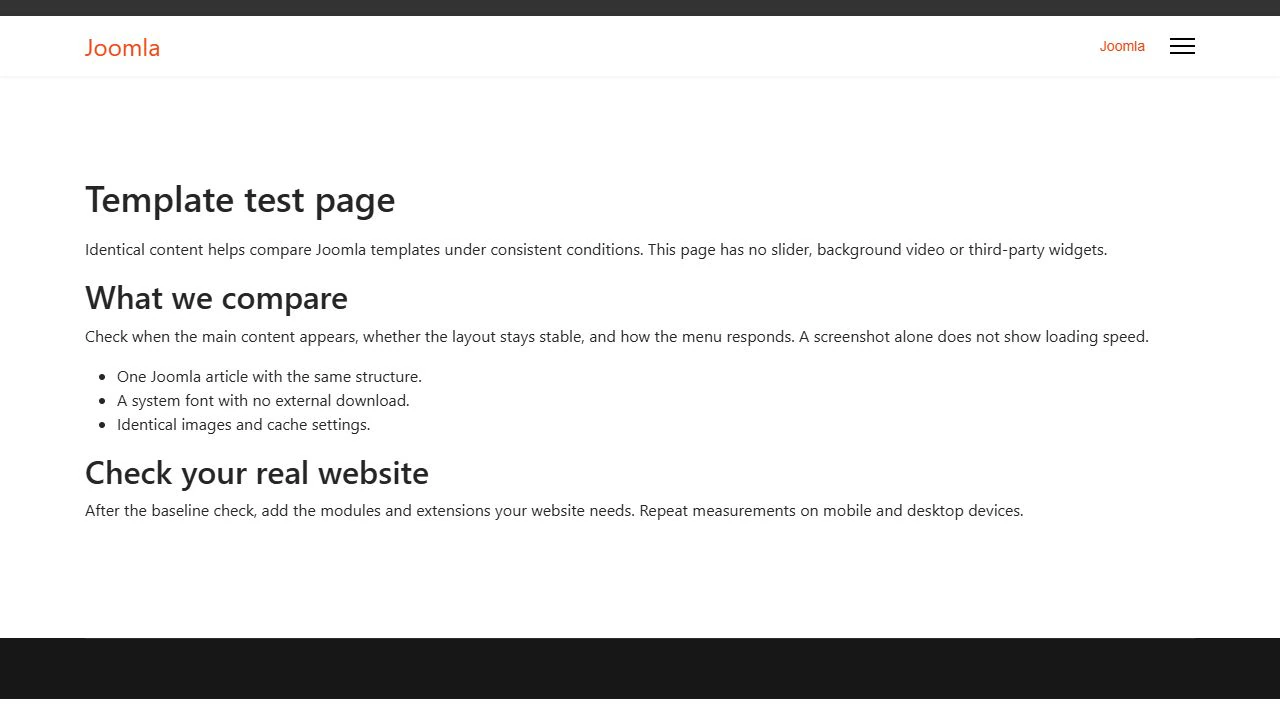
The screenshots below show the same article in two templates on a separate local Joomla 6.1.3 installation. They illustrate page preparation, rather than speed measurement results.
Repeat the measurements
A single run can produce an unrepresentative result because of server load, background processes or network conditions. Run each test five times, for example, and compare the median, which is the middle value when the results are ordered.
Also keep the minimum and maximum results. If the spread is larger than the difference between templates, you cannot confidently declare a winner.
Analyse mobile and desktop results separately. Include software versions, test conditions, the date and the tested pages in your report. Without this information, the comparison will be difficult to reproduce.
Which metrics matter?
The overall PageSpeed Insights score is useful for a quick assessment, but it does not explain every page issue. Look at individual metrics and what happens when people actually use the website.
| Metric | What it measures | How to use it |
|---|---|---|
| LCP | When the largest visible content element appears | Helps establish how quickly visitors see the main content in the initial viewport. A good value is no more than 2.5 seconds. |
| INP | How quickly the page responds to interactions | Relevant to menus, buttons and forms. A good value is no more than 200 ms. |
| CLS | Unexpected layout shifts | Shows how stable the layout remains during use. A good value is no more than 0.1. |
| TTFB | Time until the first byte of the response arrives | Helps investigate the network, server and page generation. It does not by itself prove that the template causes a problem. |
| Resource size and request count | How much data and how many separate resources the page loads | Useful for finding unnecessary resources, but they do not replace load and responsiveness measurements. |
Core Web Vitals thresholds are assessed at the 75th percentile of visits, separately for mobile and desktop devices. One good lab run does not mean the website passes this assessment for real users.
PageSpeed Insights combines two different sources. A Lighthouse lab test runs under specified conditions. CrUX field data reflects user experience over a rolling 28-day period. If there is insufficient page-level data, origin-level data may be shown, or a field assessment may be unavailable.
Improvements therefore do not have to appear in field statistics immediately. Lab TBT, which helps identify main-thread blocking, should not be presented as measured INP.
Which conclusions should you avoid?
Fewer requests mean a faster template. Resource sizes, loading priorities, caching and JavaScript execution also matter. Several small files can load more efficiently than one large file.
The request count did not change after adding a block, so the template always loads everything. That is only an observation. Inspect the actual CSS and JavaScript files and their use.
A high TTFB proves the template is heavy. PHP, the database, plugins, cache, network and server load affect response time. Investigate the cause separately.
A demo website scored well, so my website will be just as fast. The demo may use a different server, CDN, cache configuration and page content.
Everything is fast locally, so testing is complete. A local website helps compare options in controlled conditions. It does not automatically reproduce visitors' mobile networks and devices.
How to improve speed after choosing a template
Start with the resources that actually delay the page. Resize images to the dimensions needed, use suitable formats, and specify their width and height to prevent layout shifts.
Do not lazy-load an image that is the main element in the initial viewport and determines LCP. Lazy loading is more useful for images below the visible area.
Check whether you need every font family, font weight, animation, slider and third-party widget. Disable unnecessary features through template and extension settings.
Configure caching for the website's purpose. User accounts, shopping baskets and other personalised pages need separate checks. After combining or minifying files, or changing their loading order, always test menus, forms and interactive elements.
Transfer compression, minification and file combining are different operations. Do not enable every optimisation at once. Change settings step by step and measure the result.
Which template should you choose?
For a conventional website using articles and modules, start with Cassiopeia as a clear baseline. If you need convenient layout controls, consider Helix Ultimate or Astroid. If the project centres on a visual builder, include YOOtheme Pro or another suitable solution in the comparison with real content.
Choose a template that supports your Joomla version, meets the project's needs and performs well on the pages that matter. Compatibility checks, repeatable measurements and working menus and forms are more useful than first place in an outdated ranking.
Terms used:
Demo, Quickstart, Article, Template, CMS, CSS, JavaScript, PHP, Cassiopeia, Helix Ultimate, Database, Caching, CDN, Core Web Vitals


