


Table of contents
For a Joomla landing page, choose a ready-made single-page template or build the page with a page builder. The right approach depends on your content, budget and who will maintain the site. This guide compares several options and explains what to check before installation.
What a landing page needs
A landing page helps visitors take a specific action, such as sending an enquiry, registering for an event, downloading an app or ordering a product. It can be a separate website or one page within an existing Joomla site.
The template controls the site's appearance, its main layout areas and how content is displayed. A page builder helps assemble the landing page itself from sections such as the hero, benefits, project examples, pricing, testimonials and an enquiry form.
Shortcodes, fixed navigation and the ability to add module positions depend on the product. They are not standard features of every landing page template. Forms, galleries and other elements may require additional extensions.
Before downloading, distinguish between three types of package:
- A Joomla template is installed into an existing website and controls its design.
- A page builder layout contains a page structure and is imported into a compatible builder.
- A Quickstart package usually contains a complete Joomla installation with the template, extensions and demo content.
Use Quickstart for a separate new website. Do not install it over a working project as if it were a normal template.
How to choose a starting point
Start with the page content. List the sections you need and decide which action visitors should take. Then compare the demos.
For a single product, a themed layout with feature sections and calls to action can be useful. A studio or independent professional may need services, projects and contact details instead. If you create landing pages regularly, consider how easy it is to use the builder and reuse sections.
Check the whole combination: Joomla, PHP, the template, its framework, the builder and additional extensions. A framework's support for Joomla 6 does not establish compatibility for every template built on it.
Also review update terms, what your plan includes and access to the builder elements you need. A free template does not mean that every feature shown in its demo is free.
Templates and builders to consider
These four options serve different needs. Compatibility information comes from the developers. OnePage and Startup Landing offer themed designs, Helix Ultimate provides a starting point for your own layout, and YOOtheme Pro combines site styling with page building.
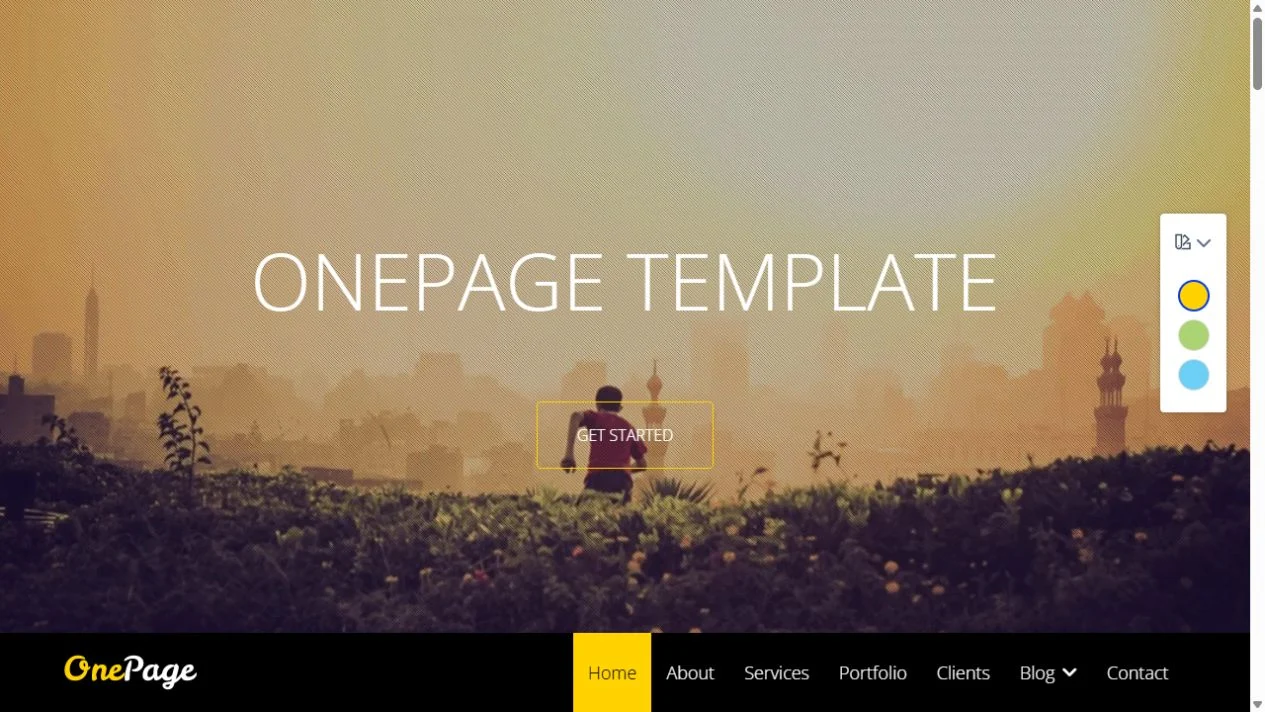
OnePage
A single-page template for an agency, independent professional or small company. It brings services, projects and contact details together on one page.
Joomla 6Joomla 5Commercial
- Developer: JoomShaper.
- Purpose: Service websites, portfolios and company presentations.
- Built with: Helix and SP Page Builder.
- Compatibility: The developer lists Joomla 4, 5 and 6.
- Features: Fixed navigation, smooth scrolling, portfolio integration and a contact form with CAPTCHA support.
- What to check: Whether the demo layout suits your content and what the purchased package includes.
OnePage by JoomShaper and One Page by JoomlaBamboo, mentioned in the previous Russian edition, are different products.
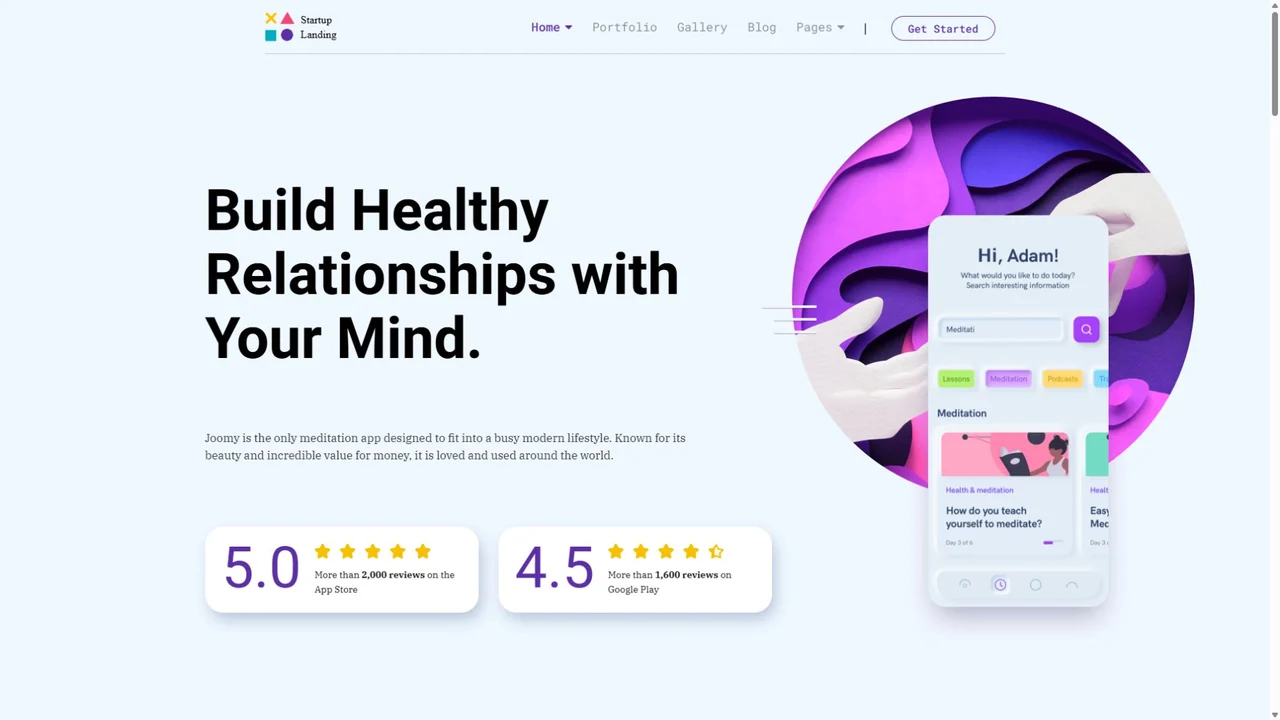
Startup Landing
A template for presenting an app, online service, product, book, agency or webinar. Six themed designs provide starting points for different offers.
Joomla 6Joomla 5Commercial
- Developer: JoomShaper.
- Purpose: Product and service landing pages.
- Built with: Helix Ultimate and SP Page Builder Pro.
- Compatibility: The developer lists Joomla 4, 5 and 6.
- Features: Themed layouts with sections for features, pricing, testimonials and calls to action.
- What to check: Builder update terms, access to its libraries and what your selected plan includes.
Replace demo testimonials, ratings and figures with your own verified information. Remove the corresponding section if you do not have that information.
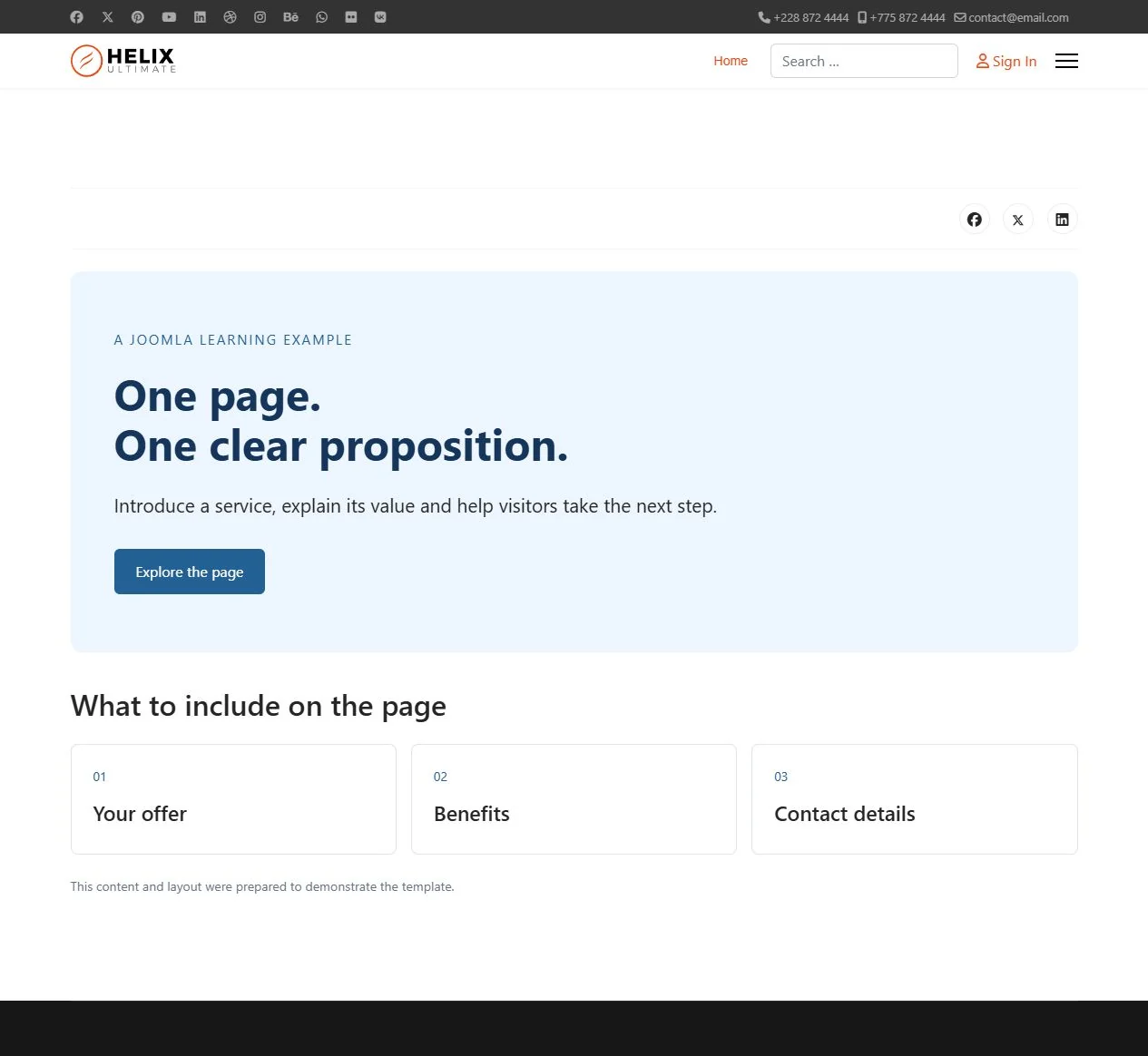
Helix Ultimate
A free, general-purpose starting point for your own design. Build the landing page from articles, modules or elements supplied by a compatible page builder.
Joomla 6Joomla 5Free
- Developer: JoomShaper.
- Purpose: Building a landing page from your own layout.
- Built with: The Helix Ultimate template and framework.
- Compatibility: The developer lists Joomla 4.4, 5 and 6.
- Features: Website design settings and support for SP Page Builder.
- What to check: The features of your chosen builder edition and the amount of configuration required.
A free template still requires development work. Allow time for page adjustments, images, the form and checks before launch.
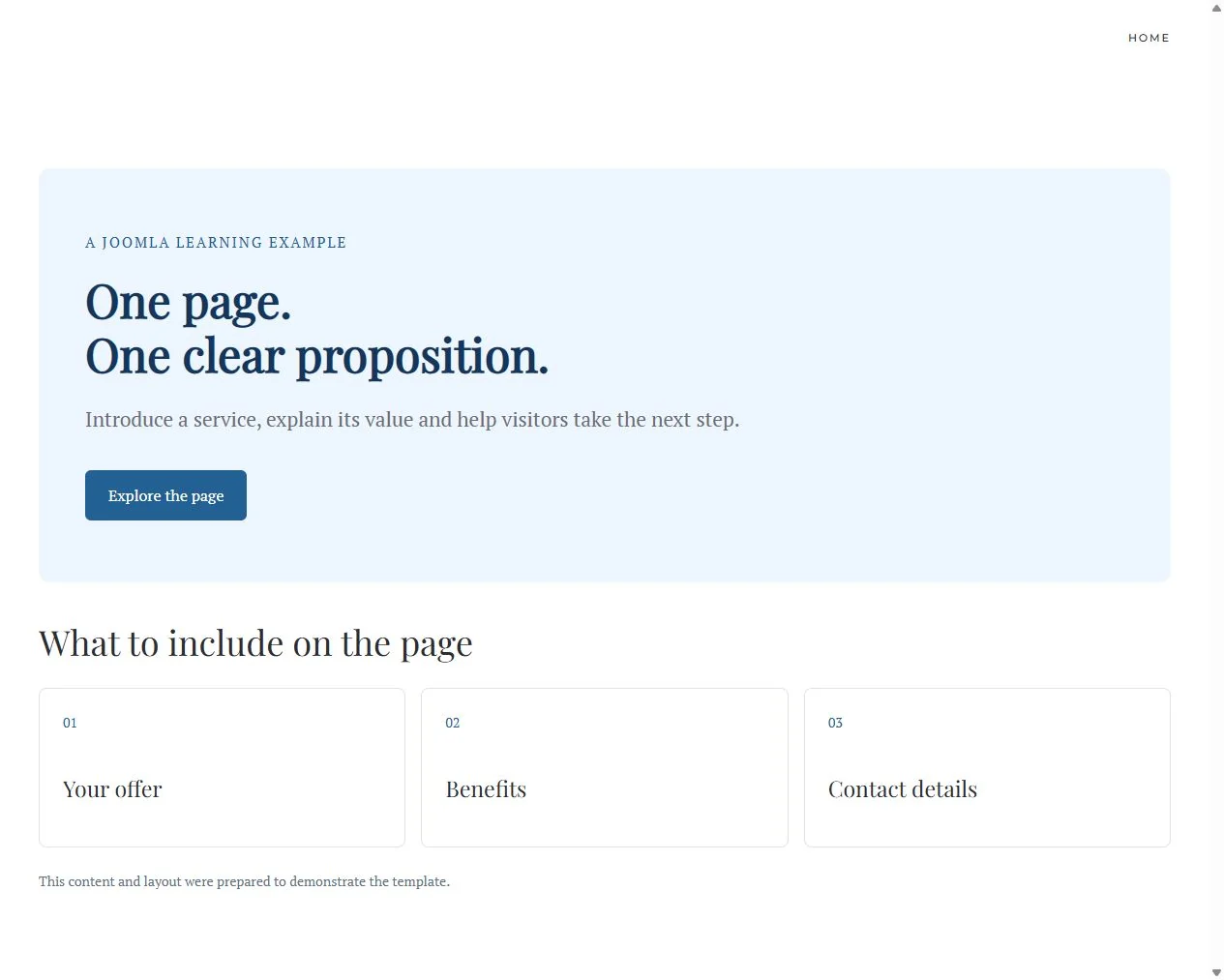
YOOtheme Pro
A template, style editor and page builder in one product. Consider it if you need several landing pages with a consistent design and regular content changes.
Joomla 6Joomla 5Commercial
- Developer: YOOtheme.
- Purpose: Creating and editing landing pages within one design system.
- Built with: YOOtheme Pro and its integrated page builder.
- Compatibility: YOOtheme Pro 5 is for Joomla 5 and 6. This branch no longer supports Joomla 3 or 4.
- Features: Page building, a layout library and style settings. Separate packages are available for existing sites and complete demo installations.
- What to check: Subscription terms, library access and third-party elements. Use a current release containing the security fixes.
Check that the future site owner can edit the pages comfortably. Demo layouts and styles can be loaded through YOOtheme Pro without reinstalling Joomla.
How to prepare the page
Build the landing page on a separate test site or a copy of your project first. This lets you check the design and extensions before moving the changes.
- Prepare the content. Write the hero proposition, product or service description, answers to common questions and the call-to-action text.
- Choose the installation method. On an existing site, use the template package and required extensions. Set up a demo installation separately.
- Build the structure. Include sections that help visitors understand the offer and make a decision.
- Configure navigation. If the menu links to sections on the page, check every jump and make sure a fixed header does not cover the heading.
- Connect the form. Configure the recipient, required fields, error messages and confirmation of successful submission.
- Replace demo data. Check text, images, contact details, captions, links and metadata.
- Check the page before moving it. Make sure it works for a visitor who is not signed in to the administrator area.
Setting names and editing workflows vary between builders. Instructions for one extension version do not automatically apply to another.
What to check before launch
Assess the page with your own content. Long headings, real photographs and additional form fields can change a demo layout considerably.
Check the following:
- Text is readable on a phone without zooming and the page has no horizontal scrolling.
- Buttons lead to the intended action and links open the correct pages.
- Menus and fixed panels do not cover content.
- The form works with a keyboard and its error messages explain what to correct.
- A test enquiry actually reaches the recipient.
- Images have suitable dimensions and decorative effects do not interfere with reading.
- The page contains no third-party contact details, demo testimonials or unsupported promises.
- The design and form continue to work after template and extension updates.
Do not choose a template solely on promises of fast loading or high conversion rates. Measure speed on the finished page and assess effectiveness using real enquiries and other target actions.
Which option should you choose?
For services or a portfolio, start by assessing OnePage. For a product presentation, compare your content with Startup Landing's themed layouts. Helix Ultimate is a free starting point for building your own page. Consider YOOtheme Pro if you want one tool for site design and page building.
Choose a solution that supports your Joomla version, makes content updates manageable and provides the functions you need. A useful landing page starts with a clear offer, and the template helps present it.
Terms used:
Demo, Quickstart, Package, PHP, Menu, Helix Ultimate, SP Page Builder, Layout


